

Share
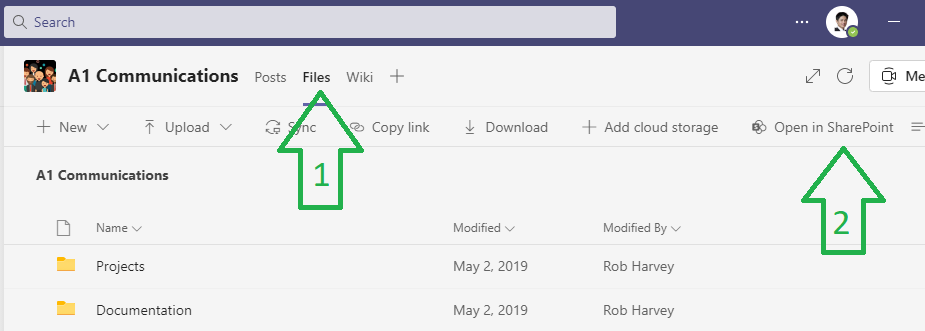
- From Microsoft Teams, open the Team that you want to share contents and click Files
- Click Open in Sharepoint
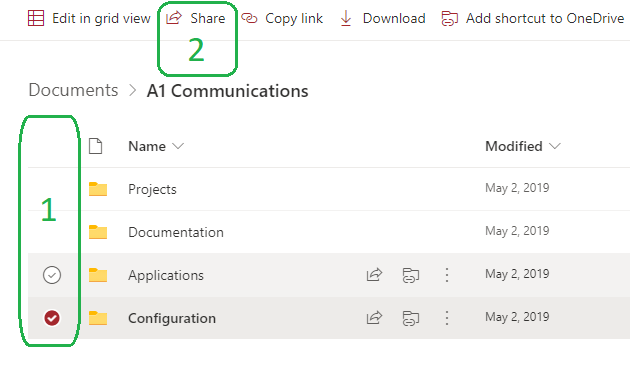
- From the browser window that has opened, select the Folder you wish to share, then click Share
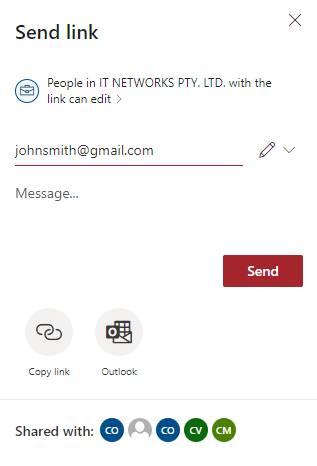
- Type in the email address of the person who you wish to share the folder with, then click Send
External Party
- Once the share link has been sent (step.4 above) the recipient entered will receive the following email:
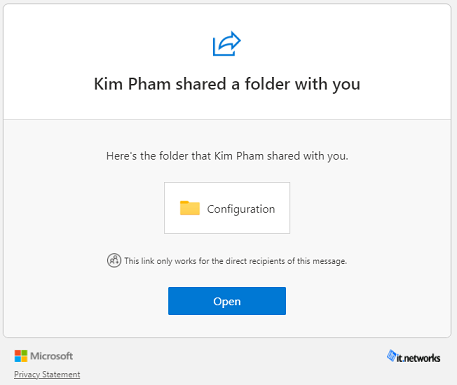
- Once they click on the link, Sharepoint will open in their browser and they can now open/view/edit files as required.
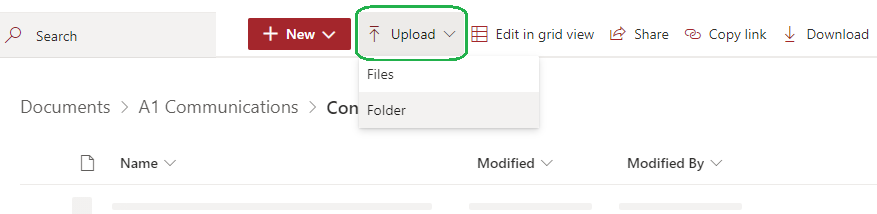
- If the recipient would like to add files to the Folder, they can simply drag-and-drop or click the Upload option.